
Production AI, custom software, VR training and simulation for European enterprises and public bodies.


PROPOSAL FOR LEEMA CLINIC · Branding · digital presence · clinic operations
One programme that gives Leema Clinic its brand, its online presence and the connected systems behind reception, the clinic rooms and management.
WHO WE ARE · EUROPEAN HERITAGE, GULF DELIVERYBelgium capability · Gulf delivery · Leema workflows
OneBonsai has built AI, software and immersive training for European hospitals, banks, ministries and industry since its founding in Belgium. OneBonsai Gulf brings that team to the region and makes it work inside your clinic.
Production AI, custom software, VR training and simulation for European enterprises and public bodies.

Based in Abu Dhabi. Advises, integrates, deploys and trains teams so systems are used every day.
Dermatology and cosmetic care. Reception, doctors and management each get the tools for their job.
PUBLISHED REFERENCE WALL · ONE PAGEOrganisations shown on onebonsai.com
Hospitals, banks, ministries, universities and industry. The same team, the same standard of work.
HOW WE WORK · FOUR MOVESThe OneBonsai method
We do not arrive with a box of software. We start where the clinic feels the pain, build around what already exists, put it into daily use and hand over real capability.

The same four moves for every part of this programme
Booking, check-in, stock or billing: one job the team does every day.
Your phone numbers, your doctors’ hours, your products, your rules.
Training by role, short videos, a support channel that answers.
Leema owns the domain, the accounts, the data and the know-how.
OUR POSITION · ONE SENTENCEWhat makes this different
Off-the-shelf clinic software makes the clinic adapt to the software. We do the opposite: established, proven platforms where they fit, custom work where they do not, and one simple front for everyone.
ONE PLATFORM · ONE DOMAINEverything under leemaclinic.com
Patients, signed-in patients and staff each enter through their own door, but it is one platform with one set of data behind it.
 CONNECTED SYSTEM DESIGN · ONE PATIENT VISIT
What "connected" means in practice
A patient books in the app. Everything that follows happens in one system, with a named person responsible at each step.
 01Books
In the app, on the website or by WhatsApp
 02Reception sees it
Same diary, same slot
 03QR code
Confirmation with a secure code
 04Checks in
Reception scans, verifies identity
 05Doctor documents
Templates, consent, photos
 06Stock recorded
Product, batch, quantity
 07Invoice issued
Paid by card, link or package
 08Aftercare sent
Doctor-approved instructions
 09Reporting updates
Management sees it the same day
 PART ONE · BRAND & PRESENCE
SECTION 01
01A consistent identity in Arabic and English, a website that books, and a clinic that appears when people search nearby.
01 · BRAND & PRESENCE · IDENTITYSection 2 · Full branding and visual identity
A professional, consistent identity for Arabic-speaking and English-speaking patients, from the website to the reception desk to the staff badge.

Patients meet the same recognisable clinic on the website, on social media, in messages and at the premises.
 Positioning and key messages
What Leema stands for, in one page each language.
01Arabic and English logoDeveloped from the existing mark; usage rules.
02 Colours, type, photography
A palette, two typefaces and a visual style guide.
03Stationery and cardsBusiness cards, letterheads, appointment cards, email signatures.
04 Treatment and aftercare templates
Consistent descriptions of services and care.
05 Reception, signage, badges, uniforms
Designs supplied; printing and production quoted separately.
0601 · BRAND & PRESENCE · WEBSITESection 3 · Arabic and English website
Mobile-friendly, right-to-left ready, and connected to the booking system so a visitor can become a patient at midnight.
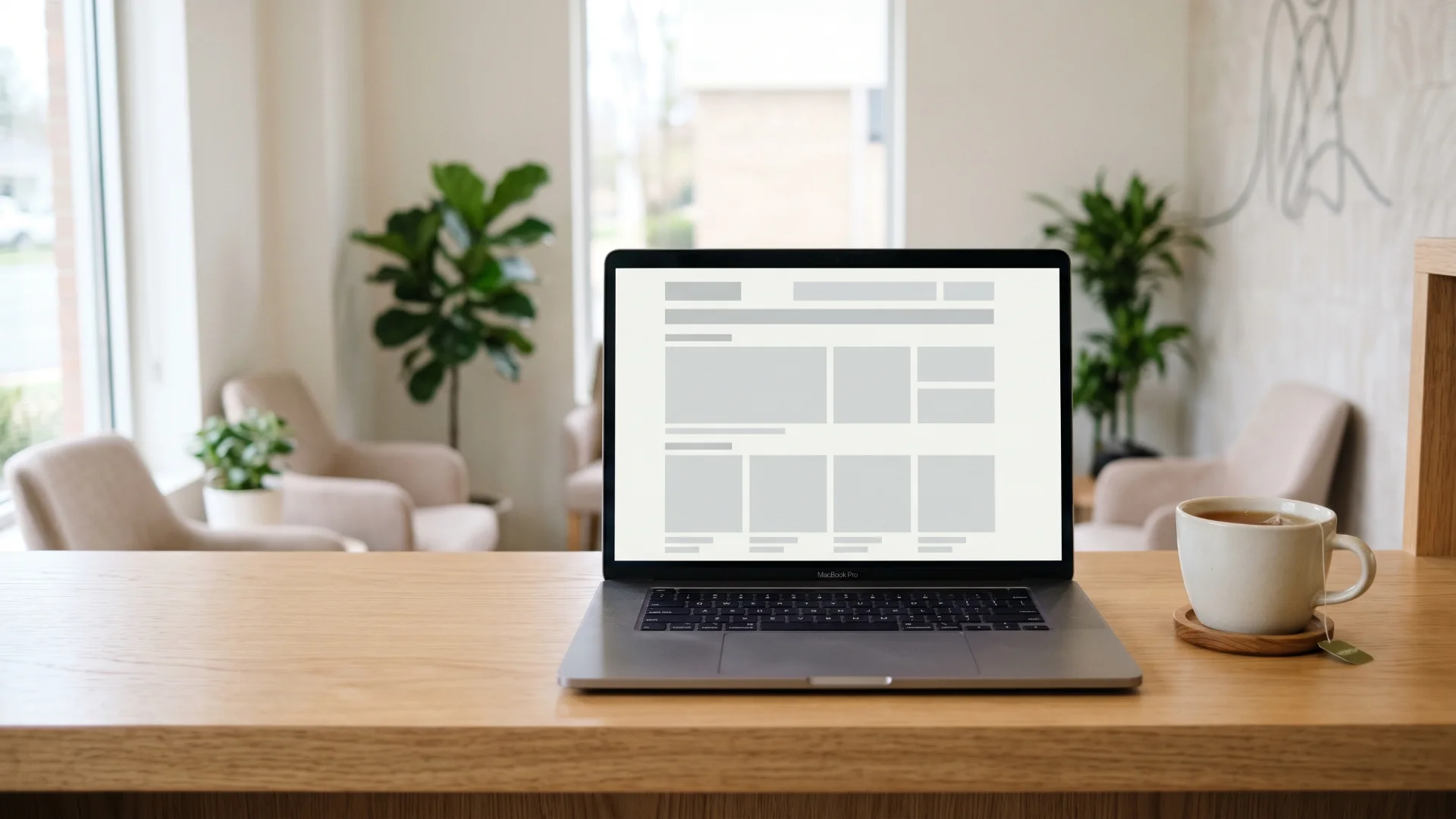
Patients can learn about the clinic and book at any time, including outside reception hours.
Home and aboutWho Leema is, in both languages.
01Doctor profilesApproved qualifications and availability.
02Treatment pagesOne page per confirmed service, with preparation and aftercare.
03Online bookingLinked to the central diary.
04 WhatsApp and secure forms
Contact without a phone call.
05 Location and hours
Directions, parking, opening times.
06Articles and newsletterEducational content with sign-up.
07Packages and membershipsWhat is offered and how to join.
08 Privacy and consent
Clear information and options.
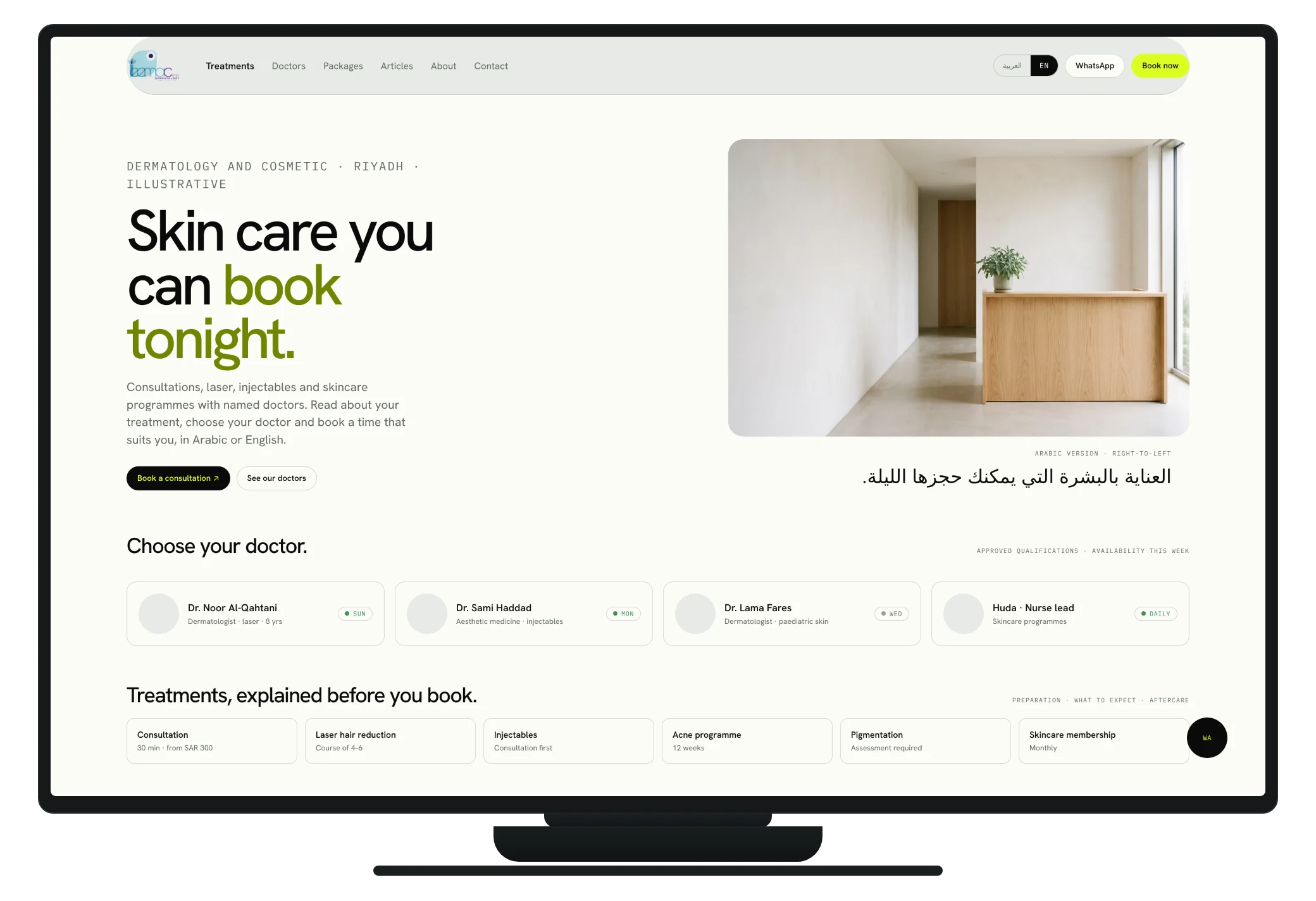
0901 · BRAND & PRESENCE · WHAT A VISITOR SEESleemaclinic.com · illustrative
One screen that says who the clinic is, which doctor to see and how to book, with the WhatsApp line one tap away.
Illustrative interface · every figure is an example · built on Leema's own data after discovery
01 · BRAND & PRESENCE · BEING FOUNDSection 4 · Google Maps and local search visibility
A verified Google Business Profile, consistent details everywhere, and a website structured for the Arabic and English searches patients actually type.
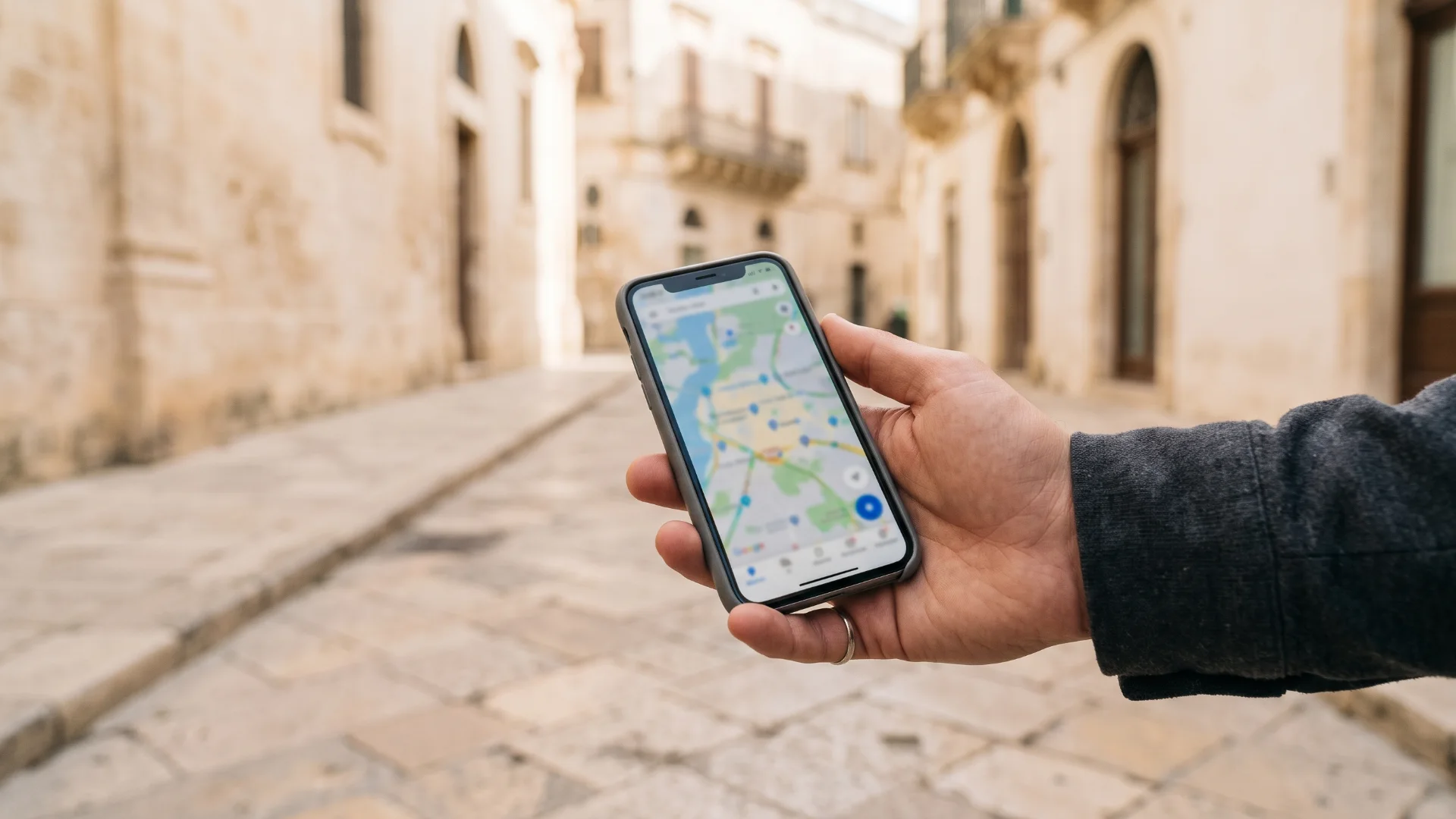
People looking for nearby dermatology and aesthetic services find the clinic and contact it more easily.
Google Business ProfileCreated or claimed, then verified.
01 Correct everywhere
Location, hours and phone consistent across directories.
02Approved photographsServices organised, images the clinic signed off.
03Booking linkedMap listing points to the live diary.
04 Search structure
Pages built for the searches patients make.
05Calls and bookings trackedWhere supported, so improvement is measured.
06
01 · BRAND & PRESENCE · IN PRACTICEA short story · illustrative
Leema appears on the map with photos, hours and a booking button.
Preparation, aftercare and the doctor who performs it, in her language.
Confirmation arrives on WhatsApp with a QR code. Reception sees it the next morning.
 PART TWO · PATIENTS · APP & BOOKING
SECTION 02
02A simple patient app, one central diary, calendars that know which room and machine are free, and reminders that arrive on time.
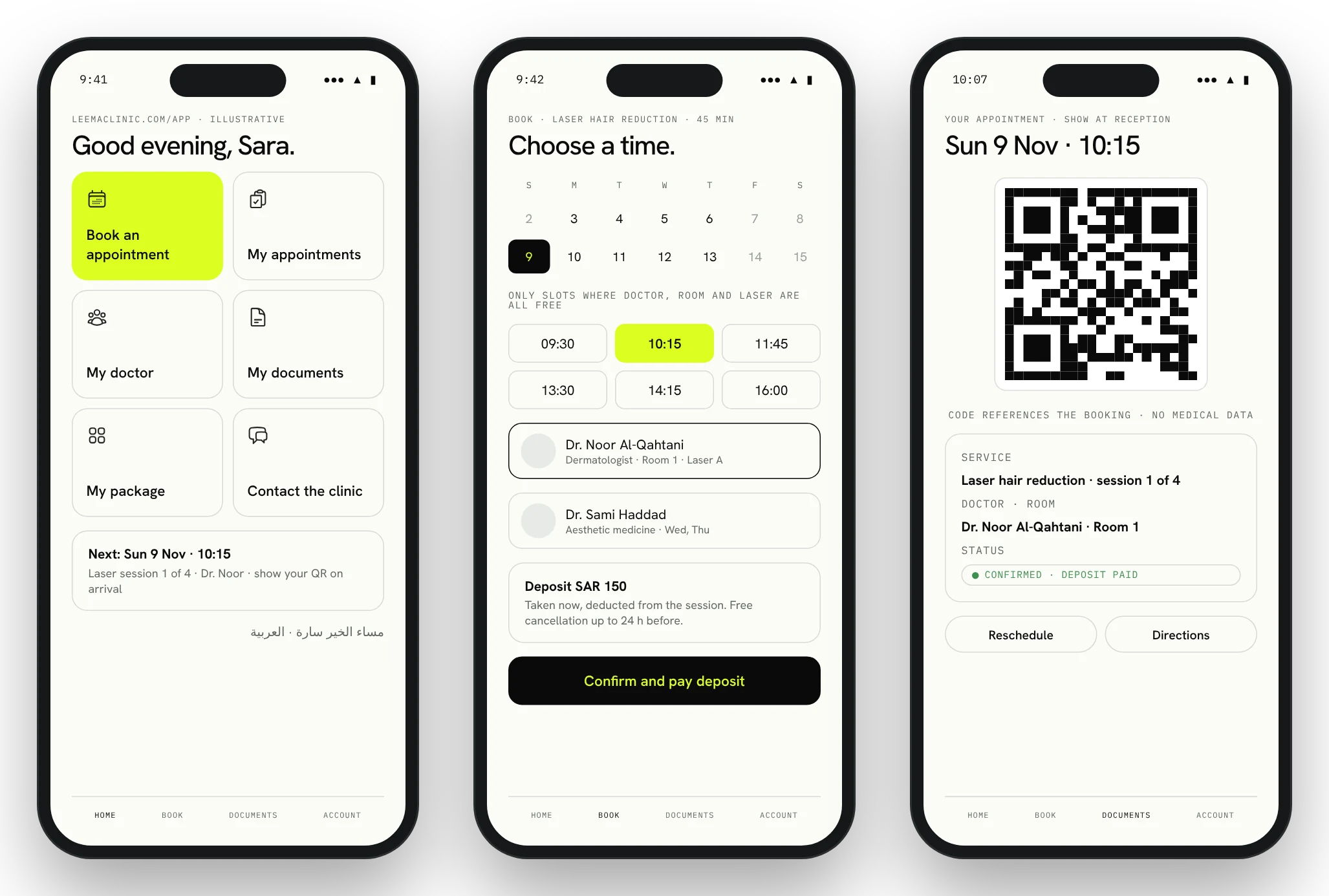
02 · PATIENTS · WHAT THE PATIENT SEESSection 7 · leemaclinic.com/app · illustrative
Book, my appointments, my doctor, my documents, my package, contact the clinic. Arabic and English, phone or browser.
Illustrative interface · every figure is an example · built on Leema's own data after discovery
02 · PATIENTS · THE APP IN DETAILSection 7 · Simple patient application
Connected to the booking and patient systems, so what the patient sees is what reception sees.

Patients have one simple place for appointments, clinic documents, payments and arrival check-in.
Patient accountSecure registration, contact details, preferences, recovery.
01BookingSee availability, choose service and practitioner, book, move or cancel within clinic rules.
02Doctor informationProfiles, specialities, availability, preparation instructions.
03DocumentsHistory, released summaries, approved results, prescriptions, invoices, consent forms.
04Appointment QR codeA secure code per booking; shown on arrival.
05Payments and membershipsBalances, invoices, outstanding amounts, payment methods, cancellations.
0602 · PATIENTS · ARRIVALSection 7E · Appointment QR code
Every confirmed appointment carries a secure QR code. It references the booking, never medical information.
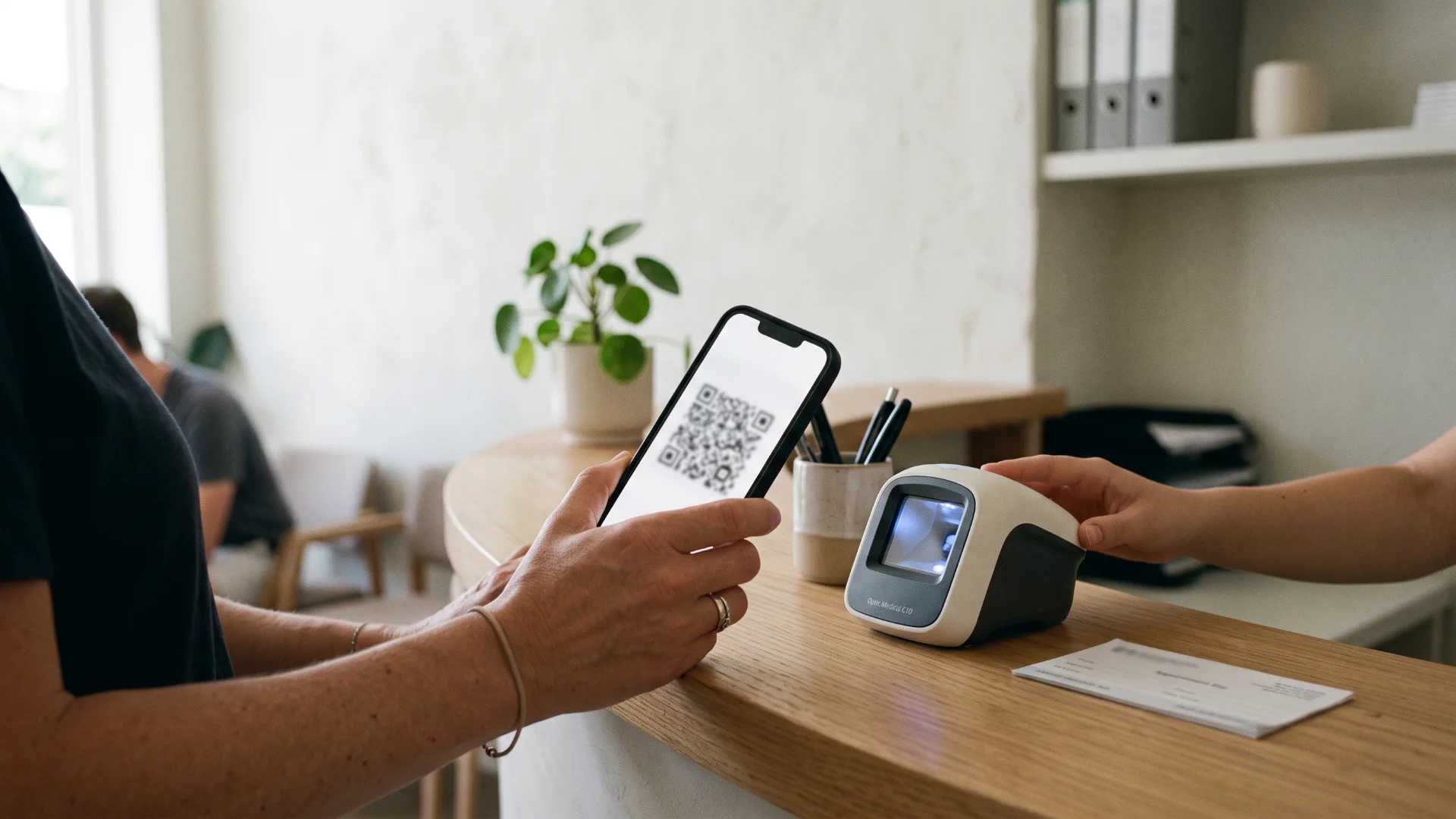
On arrival
From the app, a WhatsApp message or a printout.
Any phone or a desk scanner.
Cancelled, changed or already used codes are handled by rule.
Reception confirms the person, not the phone.
The doctor’s day list updates at once.
Reception can always find a booking manually when a patient does not have their phone.
02 · PATIENTS · ONE DIARYSection 8 · Central booking system
Website, app, WhatsApp, telephone or walk-in: whatever the source, the booking lands in the same system with the same rules.

Reception manages appointments more efficiently and avoids scheduling errors.
By service and practitionerDifferent durations per treatment.
01 Reschedule, cancel, wait-list
Within rules the clinic sets.
02 Confirmations and reminders
Automatic, in the patient’s language.
03Deposits where applicableTaken at booking for selected services.
04Reception’s daily listStatus tracking from booked to completed.
05 Consultation first
Where assessment is required, the system offers a consultation, not a treatment slot.
0602 · PATIENTS · RESOURCESSection 9 · Doctor, room and equipment calendars
The diary checks all three at once, plus preparation and cleaning time, so a booking is only offered when it can actually happen.
Fewer double bookings and no appointments scheduled when the required resources are unavailable.
PeopleDoctor, nurse and therapist availability; leave.
01RoomsTreatment rooms with preparation and cleaning time.
02 Devices
Shared machines; maintenance windows block the slot.
03Blocked periodsTraining, holidays, inspections.
04Google Calendar linkOptional, with limited appointment information only.
05 Equipment down
A device marked unavailable disappears from booking.
0602 · PATIENTS · TIMELY MESSAGESSection 22 · Automated reminders and follow-ups
Reminders follow the clinic’s approved workflows and the patient’s preferences, and stop the moment the action is done.

Patients receive timely information; staff spend less time chasing routine tasks.
Before the visitConfirmation, reminder, deposit, pre-visit forms, preparation.
01Missing documentsForms and consents not yet completed.
02After the visitDoctor-approved aftercare, questionnaires, review reminders.
03MoneyPackage expiry, renewals, failed payments, outstanding balances.
04ResultsPending laboratory tasks, unreviewed-result escalation.
05OperationsStock and maintenance reminders for staff.
06
02 · PATIENTS · IN PRACTICEA short story · illustrative
The diary offers only slots where Dr. Noor, room 2 and the machine are all free. A deposit is taken.
With preparation instructions and her QR code. She confirms with one tap; no second reminder is sent.
Scanned, verified, marked arrived. Dr. Noor’s list updates before Sara sits down.
 PART THREE · RECEPTION & COMMUNICATION
SECTION 03
03A clinic-owned WhatsApp inbox, professional email on your own domain, and social media that publishes on schedule after a clinician approves it.
03 · RECEPTION · WHAT RECEPTION SEESSection 10 · WhatsApp reception · illustrative
Every conversation is assigned, answered or escalated. Routine questions are answered automatically; anything clinical goes to a qualified person.
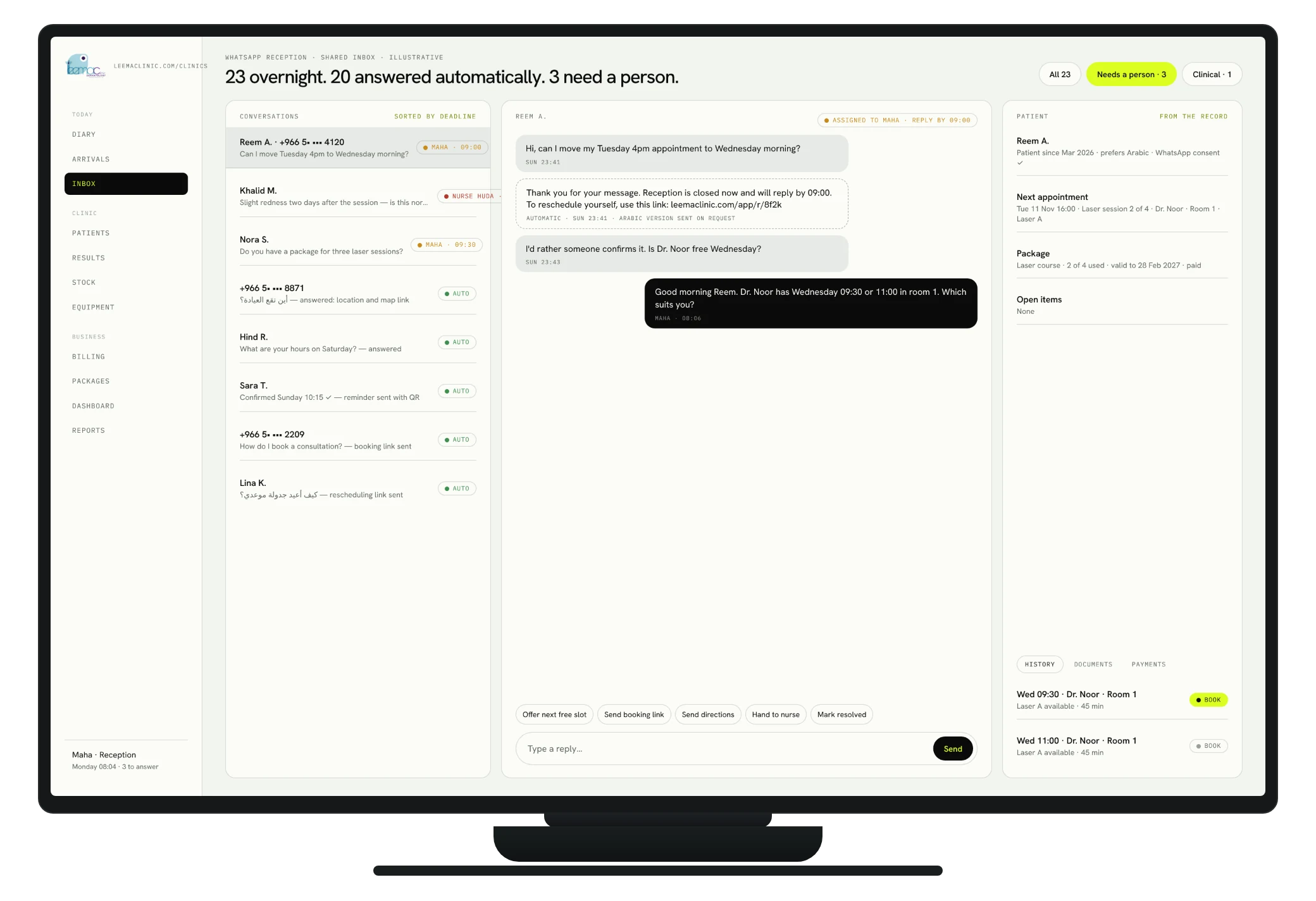
Illustrative interface · every figure is an example · built on Leema's own data after discovery
03 · RECEPTION · WHATSAPPSection 10 · WhatsApp reception and communication
A clinic-owned WhatsApp Business line for authorised staff, with automation for the administrative questions and a clear route for the clinical ones.

Patients receive faster administrative responses, and enquiries are less likely to be overlooked.
Shared reception inboxWelcome messages, outside-hours replies, in Arabic and English.
01Approved answersLocation, hours, how to book, how to reschedule.
02Booking in the chatLinks, confirmations, reminders, rescheduling.
03Assignment and alertsConversation owners; unanswered-enquiry alerts.
04Clinical routingSuitability and complications go to qualified staff.
05History and tasksEvery conversation kept; follow-ups become tasks.
0603 · RECEPTION · EMAIL ON YOUR DOMAINSection 11 · Google Workspace and professional email
Professional email on leemaclinic.com, shared calendars and document folders for administration. Clinical records stay in the healthcare system.

Professional communication, clearer responsibility for enquiries, and control when employees join or leave.
info@ · appointments@ · reception@General addresses as groups or delegated mailboxes.
01accounts@ · management@Billing and management, routed to the right people.
02doctors@An authorised internal group.
03firstname.lastname@One account per employee, with recovery and multi-factor sign-in.
04SPF · DKIM · DMARCAuthentication so clinic email is trusted and not spoofed.
05Join and leaveOnboarding and offboarding procedures; access ends on the last day.
0603 · RECEPTION · PUBLISHING WORKFLOWSection 6 · Automated social media publishing
A structured path from draft to post. Medical statements and promotional claims are approved by the clinic’s designated reviewer before anything is scheduled.

The workflow
Drafts, images and captions in both languages.
Medical information and promotional claims checked.
Approved items are scheduled.
Where the platform supports it.
Comments and messages routed to the inbox.
A short performance report.
The system flags content awaiting approval, failed publications, unanswered enquiries and upcoming campaigns. Healthcare advertising is reviewed against applicable Saudi requirements.
03 · RECEPTION · IN PRACTICEA short story · illustrative
Twenty questions about hours, location and booking were answered automatically, in the language they arrived in.
Two reschedules to reception, one question about a reaction after treatment to the nurse, with a deadline.
Arrivals, outstanding forms and deposits visible; the doctor’s first patient has already checked in by QR.
 PART FOUR · CLINICAL OPERATIONS
SECTION 04
04Organised patient records, a consistent visit workflow for doctors and nurses, proper consent and photography, and laboratory results that never sit unread.
04 · CLINICAL · RECORDSSection 12 · Digital patient records
An established healthcare system configured for Leema. Access depends on the person’s role; the system records who looked and who changed what.

Authorised clinicians review a patient’s history without searching paper files, spreadsheets and messages.
Identity and contactPlus communication preferences.
01History and allergiesMedical history, current medication, previous procedures.
02Notes and plansConsultation notes, diagnoses, treatment plans, follow-ups.
03 Procedures and photographs
Procedure records and clinical images, dated and referenced.
04ConsentVersioned consent documentation.
05LaboratoryRequests and results in the record.
06 Prescriptions
Where supported by the system.
07Appointments and billingLinked to the visit.
08Access logRelevant access and changes recorded.
0904 · CLINICAL · THE VISITSection 13 · Doctor and nursing workflows
A simple, consistent process for every patient visit, with templates for consultations and procedures and alerts for anything left unfinished.
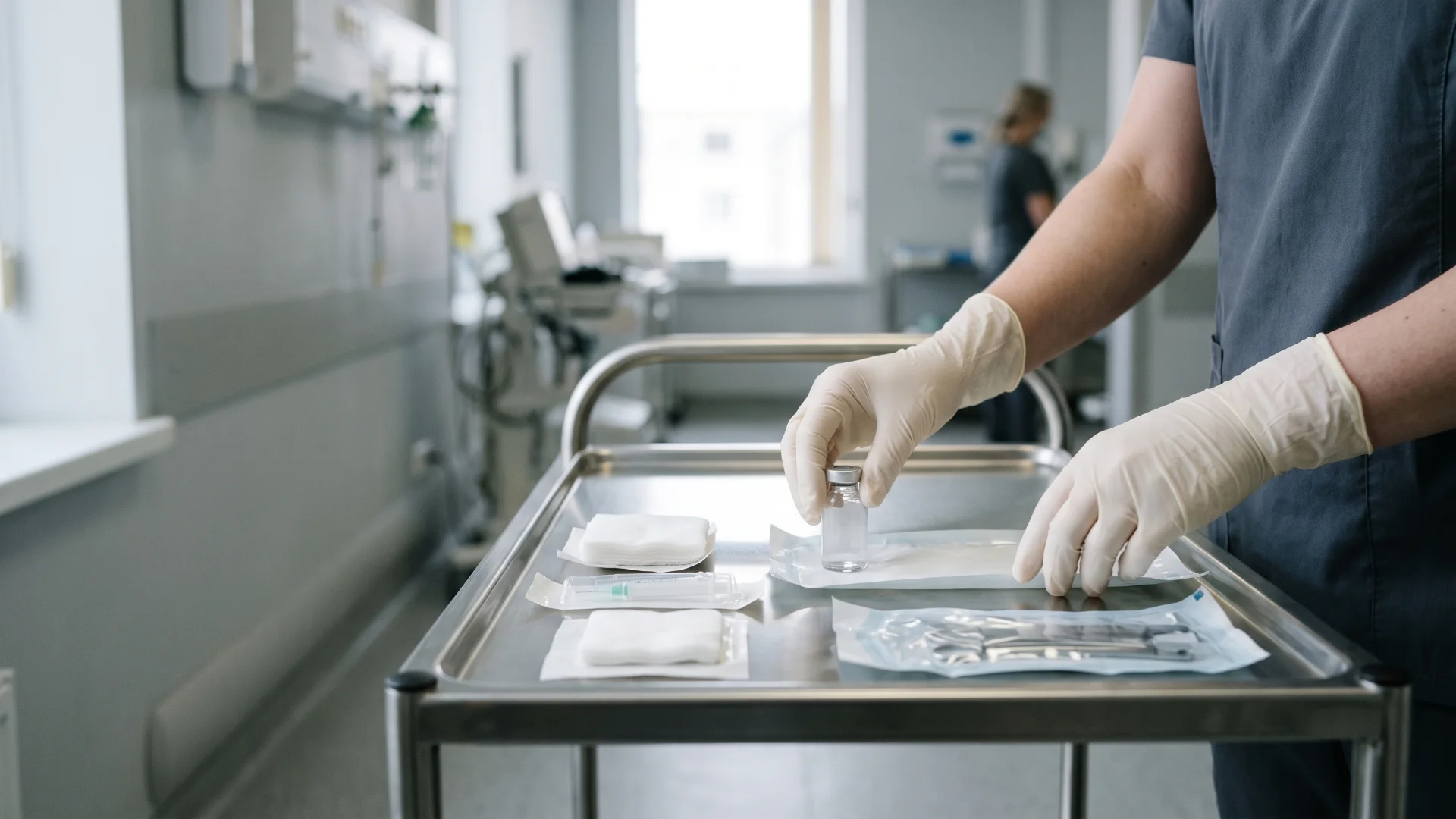
A typical visit
QR scan or manual lookup.
History, allergies, outstanding forms.
Questionnaires and consent checked.
Templates per service.
Product, batch, expiry, quantity, site.
Approved instructions sent.
Between doctor, nurse and reception.
Invoice issued, next appointment booked.
Injectable-treatment templates record product, batch number, expiry date, quantity, treatment locations, practitioner and follow-up instructions. Unfinished records raise an alert; the clinician reviews and signs off.
04 · CLINICAL · WHAT THE DOCTOR SEESSection 13 · leemaclinic.com/clinics · illustrative
Arrived patients at the top, outstanding consents flagged, and an injectable record that takes a minute to complete.
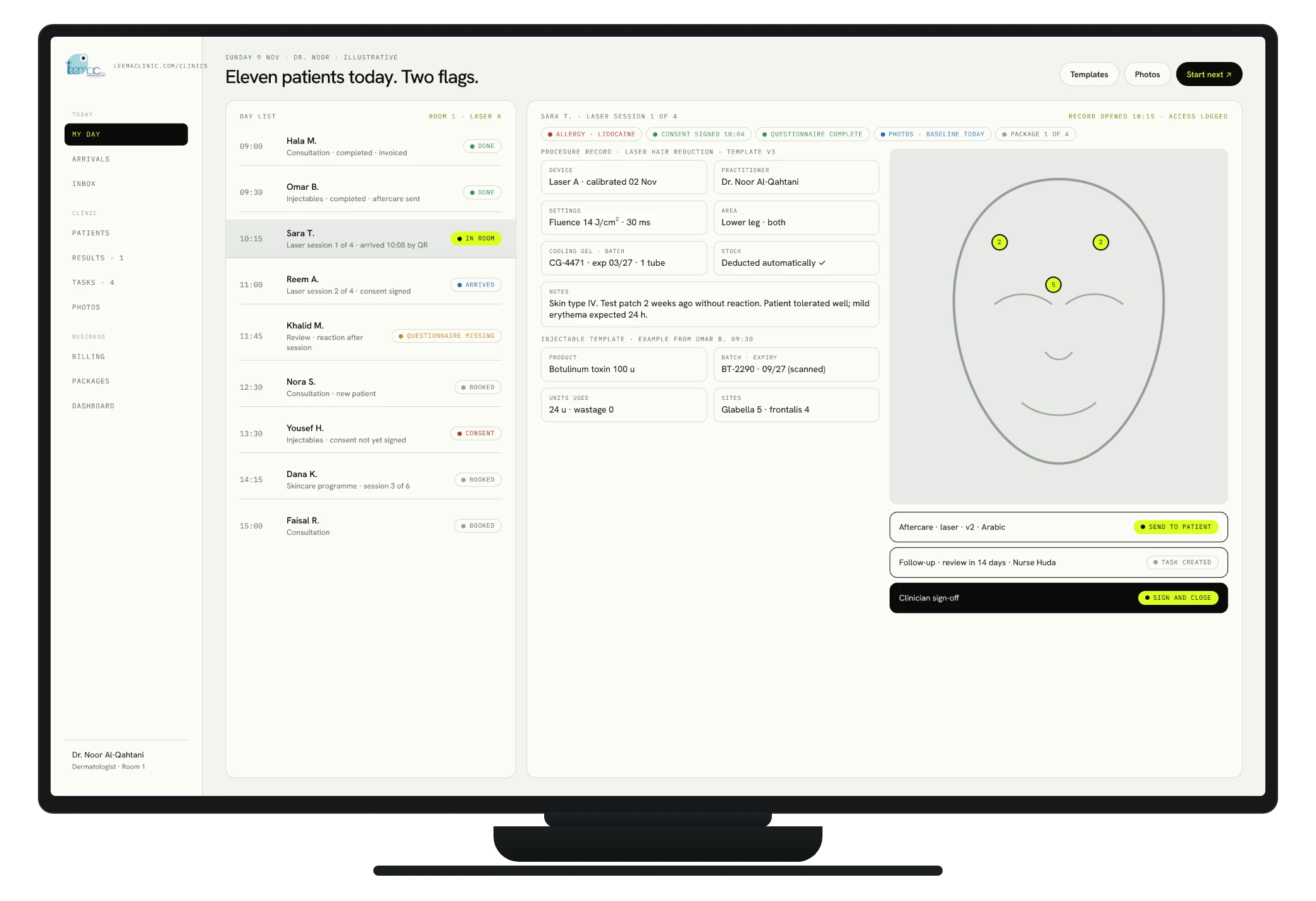
Illustrative interface · every figure is an example · built on Leema's own data after discovery
04 · CLINICAL · CONSENTSection 14 · Consent and clinical photography
Procedure-specific consent forms approved by the clinic, versioned and dated, with photographs stored securely and separate permission for any marketing use.

The clinic can distinguish consent for treatment, clinical photography, communications and marketing use.
Procedure-specific formsApproved by the clinic; version and date tracked.
01Who completed, who reviewedRecorded with the form; patient copy where appropriate.
02Standardised photographyInstructions so before and after are comparable.
03Secure storageDated, treatment-referenced, restricted access.
04Separate marketing permissionNever implied by treatment consent.
05Digital signature validatedArrangements checked against applicable requirements.
06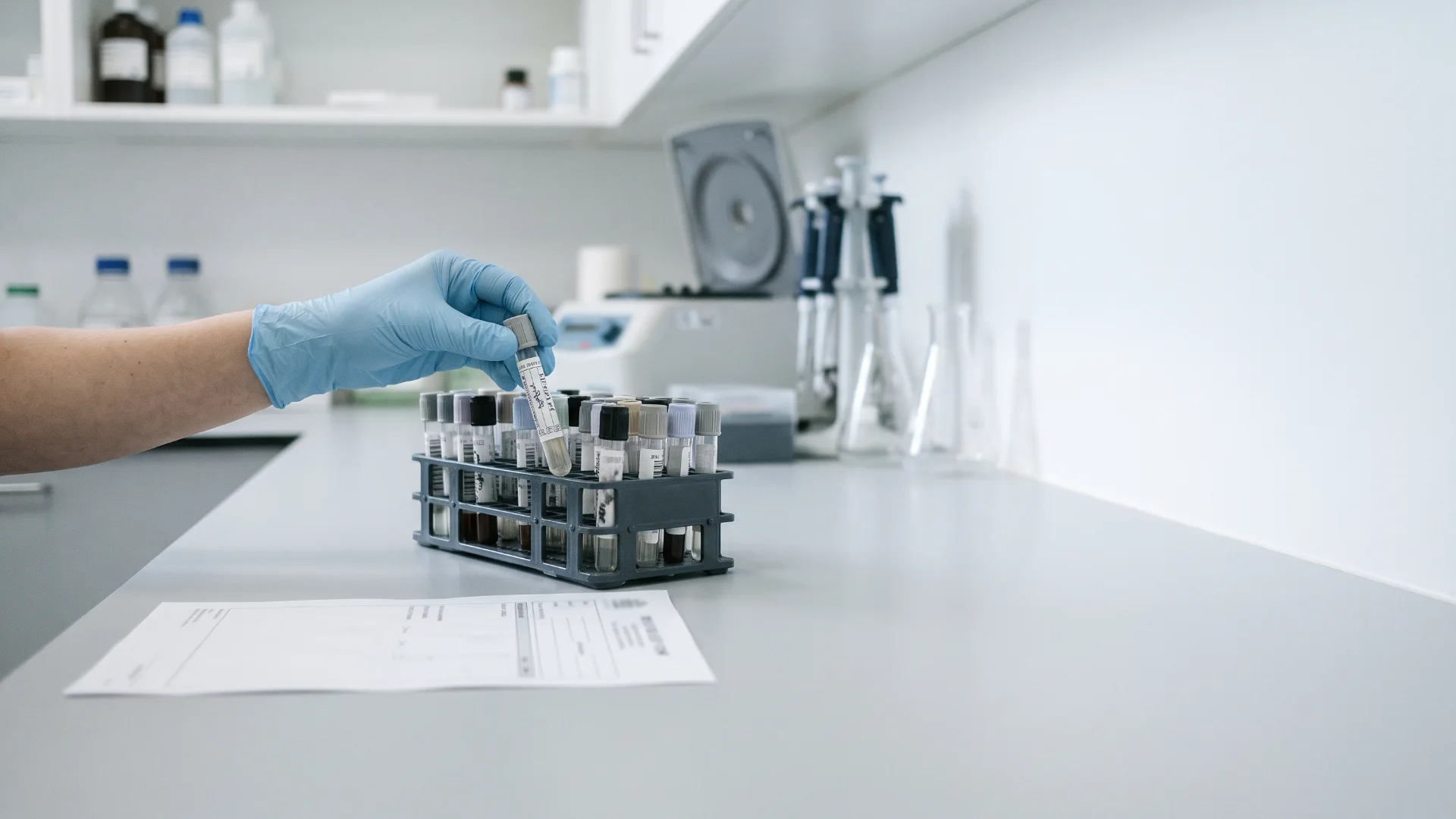 04 · CLINICAL · LABORATORY
Section 15 · Laboratory requests and results
Every test is tracked from request to review, with the responsible clinician named and overdue results escalated.
Request and sample identifiers, collection dates, status.
Secure uploads, or a direct laboratory connection where available.
The responsible clinician is told; review is recorded.
Overdue and critical results follow a clinic-approved process with an accountable person.
Communication recorded; approved results released to the app.
The team sees which tests are outstanding and which results still require action.
04 · CLINICAL · IN PRACTICEA short story · illustrative
Allergy noted, consent for the procedure already signed on the tablet at reception, previous photos side by side.
Product, batch and expiry scanned from the vial; units and sites tapped on a diagram; stock deducted automatically.
The doctor signs; the approved aftercare goes to the patient’s phone; a two-week review task appears for the nurse.
 PART FIVE · BUSINESS CONTROL
SECTION 05
05Stock that warns before it runs out or expires, equipment that is maintained on time, and billing, packages and memberships that always add up.
05 · CONTROL · STOCKSection 16 · Medicines and consumables stock control
Every injectable, medicine, consumable and retail product tracked by batch and expiry, deducted automatically when a treatment is recorded.
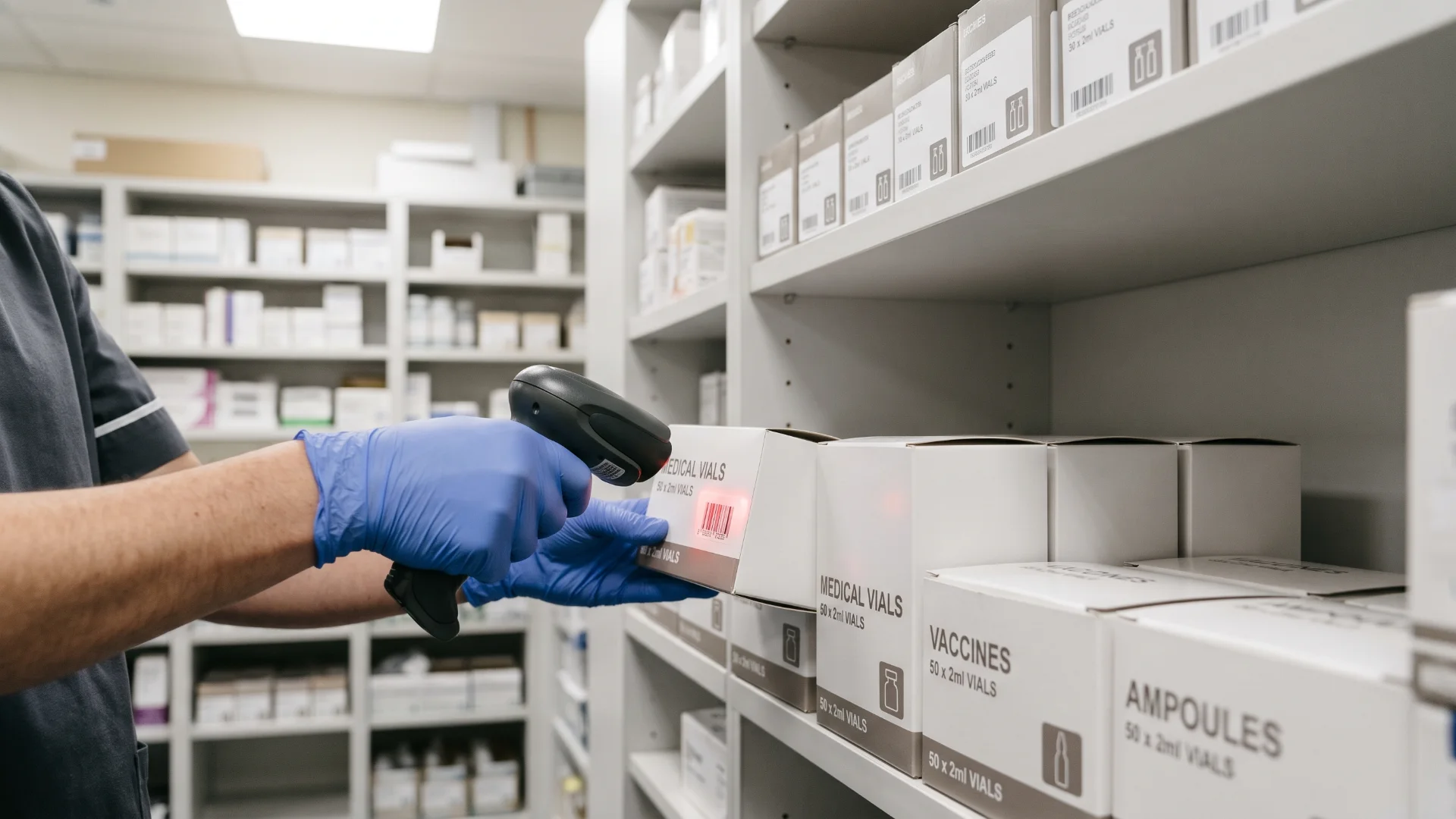
Fewer avoidable shortages, fewer expiry losses, and no uncertainty about product usage.
Product, supplier, cost, locationQuantity available by batch and expiry.
01Low-stock and expiry alertsMinimum levels per product.
02 Suggested purchase orders
Routed to management for approval.
03Treatment-linked deductionsUsage, wastage and returns recorded at the chair.
04Discrepancy reportsCounted versus expected.
05Recall tracingWhich patients received which batch.
06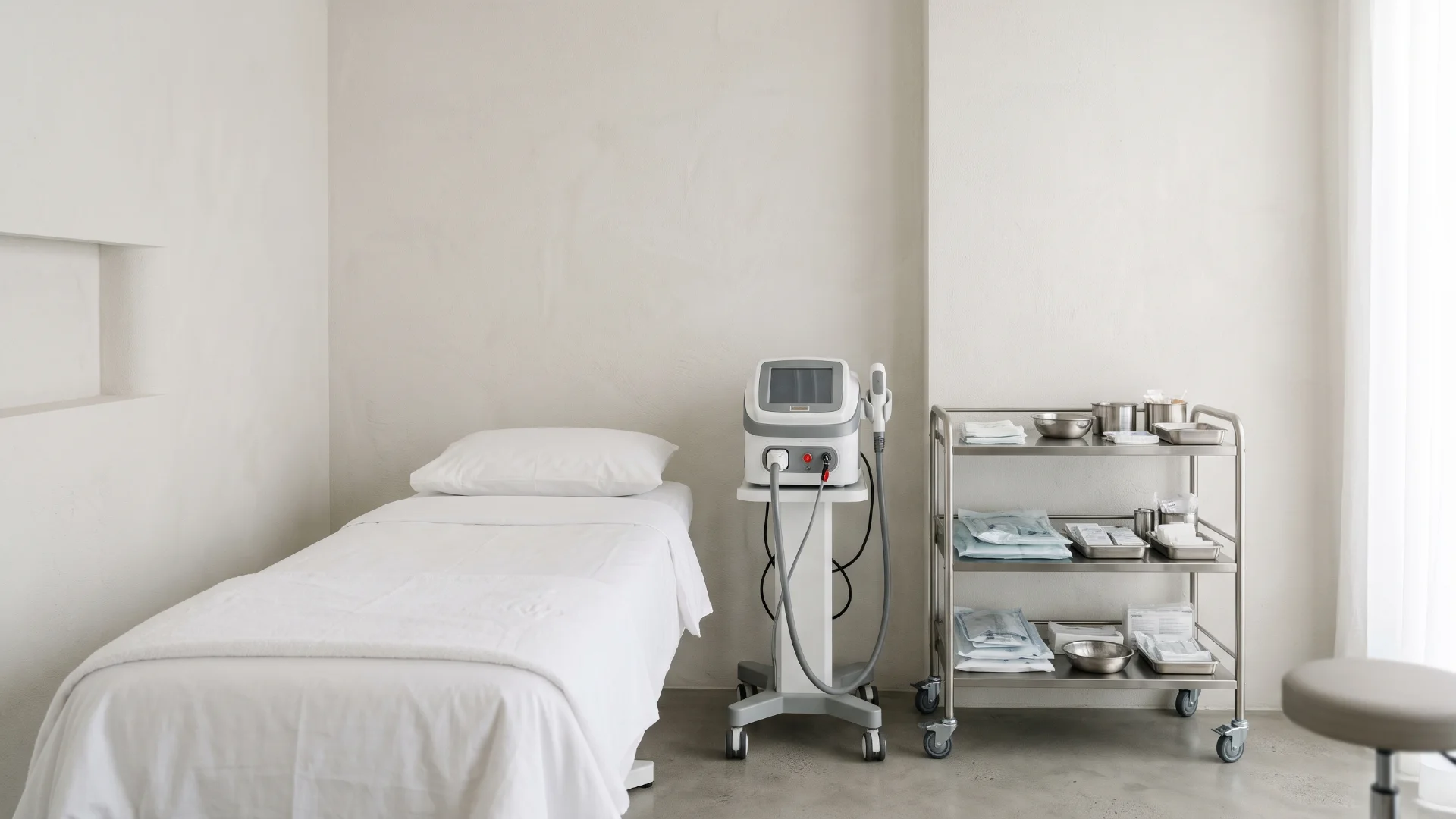 05 · CONTROL · EQUIPMENT
Section 17 · Equipment and maintenance
An equipment register for durable medical devices. A device marked unavailable is blocked from the diary automatically.
Name, location, serial number, purchase, warranty, service provider.
Maintenance, calibration, cleaning and inspection records.
Fault reports, repair history, downtime.
Unavailable equipment cannot be booked.
Compatible sensors can watch refrigerator temperature and alert staff, backed by a response procedure.
The clinic plans maintenance and responds to equipment problems with clearer information.
05 · CONTROL · BILLINGSection 18 · Billing and automatic payments
Appointment and treatment activity flows into invoices and payments. Card details are handled by the payment provider, never stored by the clinic.
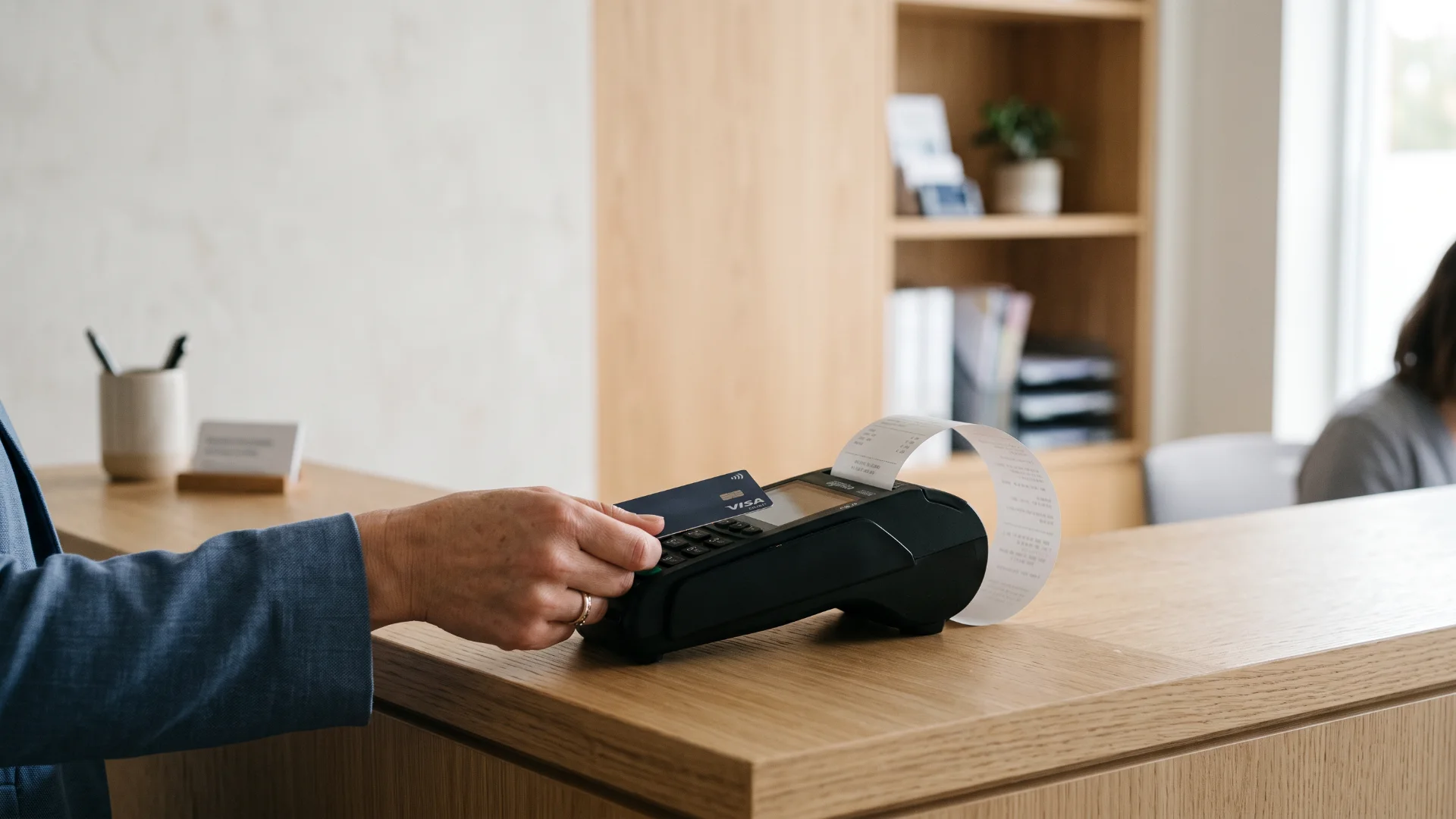
Staff and patients see clearly what has been charged, paid and remains outstanding.
Invoices and receiptsConsultation and treatment invoices, receipts, refunds.
01Payment links and depositsCard and supported local methods.
02Clear statusesSuccessful, pending, failed, refunded, duplicate, outstanding.
03Discount approvalsWho may approve what.
04Daily reconciliationWith accounting integration.
05Saudi e-invoicingIntegration following a requirements review.
0605 · CONTROL · PACKAGESSection 19 · Treatment packages
Packages approved by the clinic, each with defined services, sessions, price, validity, booking conditions and refund rules.

Patients understand what they bought; staff verify the remaining balance without manual calculation.
 Defined packages
A course of consultations, a multi-session plan, a skincare programme, follow-ups.
01Clear termsPrice, validity, booking, payment, cancellation and transfer rules.
02Clinical eligibilityA package never replaces assessment.
03Tracked per patientPurchased, used, remaining, expiring.
04Outstanding paymentsVisible to staff and patient.
05Booking eligibilityThe diary knows what the package allows.
0605 · CONTROL · MEMBERSHIPSSection 20 · Memberships and recurring subscriptions
Clinic-approved membership programmes with clear benefits and terms, managed by the subscription system from enrolment to cancellation.

The clinic manages memberships consistently; patients see their benefits, payments and status.
ProgrammesConsultation memberships, skincare maintenance, follow-up programmes, permitted product arrangements.
01Explicit acceptanceRecurring charges agreed before purchase; terms shown first.
02Billing dates and renewalsNotifications, receipts, payment method updates.
03Failed paymentsReminders and controlled retries.
04Pause, cancel, expireRequests handled by rule; exceptions reviewed by staff.
05Clinical intervals decided by cliniciansBilling never authorises treatment.
06
05 · CONTROL · IN PRACTICEA short story · illustrative
Two injectables below minimum; one batch expires in 30 days. A suggested order waits for the owner’s approval.
The laser’s calibration is due; the slot is blocked in the diary and the supplier is booked.
Invoiced, collected and outstanding match the payment provider and the accounts. Package balances are correct to the session.
 PART SIX · CONTENT & REPORTING
SECTION 06
06Educational articles and newsletters with clinical approval, a management dashboard, a weekly summary of what needs attention, and the small automations that keep a clinic tidy.
06 · REPORTING · EDUCATION PROGRAMMESection 21 · Website articles and newsletters
A managed programme of educational content on skin health, treatments and the clinic. Reputable sources are monitored for topics; nothing is copied or auto-republished.

From topic to post
Dermatology guidance, treatment developments, seasonal skin care.
What patients ask; what is new.
Original Arabic or English drafts with references.
Medical statements signed off.
Approved website articles.
Newsletters and social posts from the same approved piece.
Engagement and resulting enquiries.
Newsletters: website sign-up, explicit marketing consent, language preference, welcome emails, scheduled issues, unsubscribe management and reporting, sent from a proper email platform on the clinic’s domain. Helpful public articles support search visibility; sending newsletters alone does not.
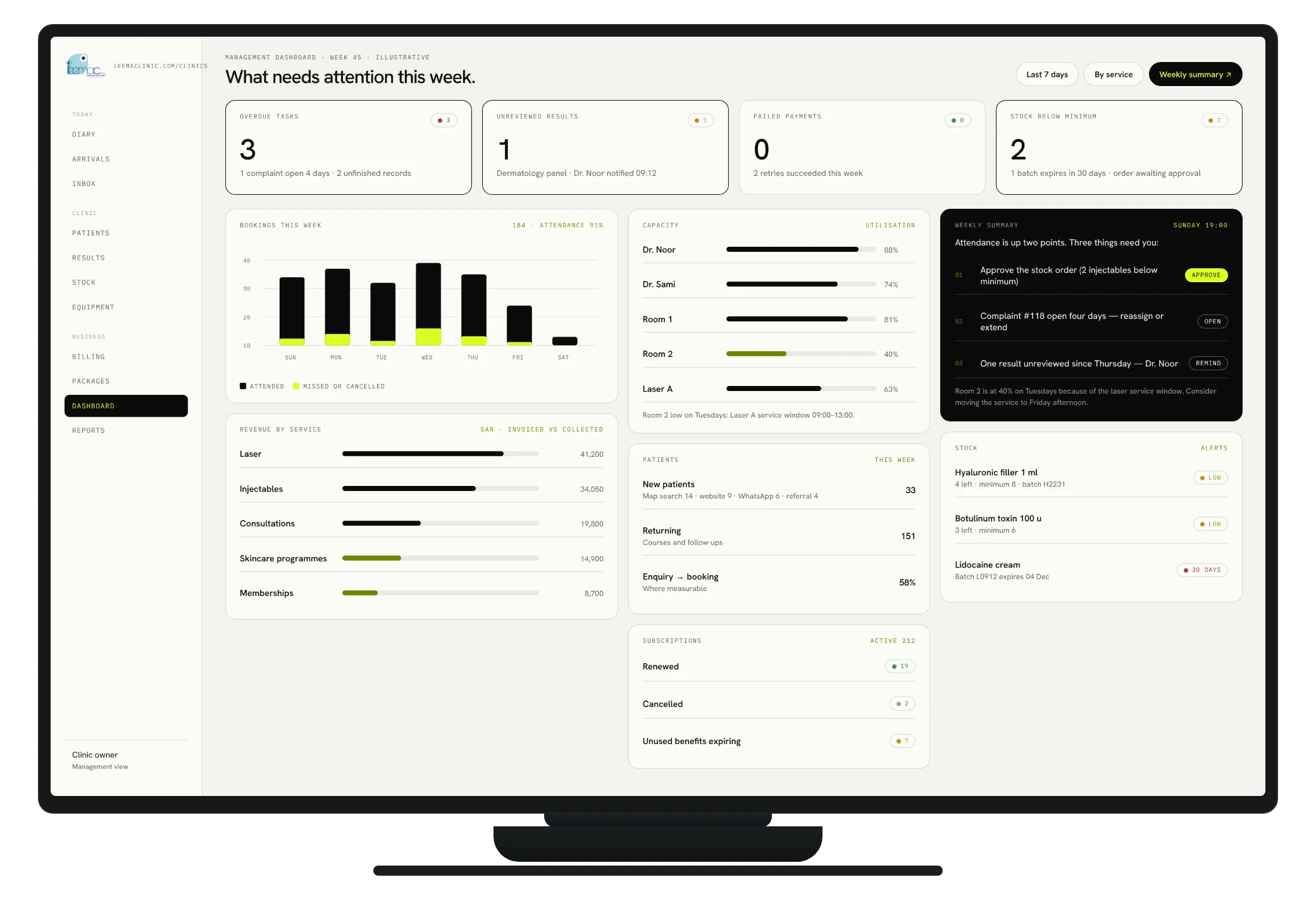
06 · REPORTING · WHAT THE OWNER SEESSection 24 · leemaclinic.com/clinics · illustrative
Appointments, patients, revenue, capacity, stock, operations, marketing and subscriptions, without assembling anything from five systems.
Illustrative interface · every figure is an example · built on Leema's own data after discovery
06 · REPORTING · THE WEEKLY SUMMARYSection 24 · Management dashboards and reporting
Clear reporting for clinic management, and a concise weekly note that highlights the actions requiring attention.

The owner reviews performance without manually assembling information from multiple systems.
AppointmentsBookings, attendance, cancellations, missed, waiting list.
01PatientsNew, returning, enquiry sources, conversion.
02RevenueInvoiced, collected, outstanding, refunds, by service, packages, subscriptions.
03CapacityDoctor, room and equipment utilisation and downtime.
04StockQuantities, low stock, expiries, usage, wastage, purchases.
05OperationsPending and unreviewed results, unfinished records, overdue tasks, complaints.
06MarketingWebsite enquiries, booking sources, social and newsletter engagement.
07SubscriptionsActive, renewals, cancellations, failed payments, unused benefits.
08Weekly summaryA short note: what needs attention this week.
0906 · REPORTING · THE SMALL THINGSSection 23 · Additional operational automations
Routine work becomes trackable, while responsibility stays with a named person.

Routine work is easier to track, and responsibility remains clear.
Cancellation waiting listFreed slots offered to suitable patients without double booking.
01Patient feedbackConsistent invitations; concerns become tasks.
02Complaint managementOwner, deadline, action history, resolution.
03Purchase approvalsSuggested orders routed to management.
04Staff document remindersLicence and training expiries flagged.
05Opening and closing checklistsDaily tasks assigned and recorded.
06Unanswered-enquiry follow-upEvery new enquiry has an owner and a deadline.
07Secure digital check-inAdministrative steps completed before arrival.
08Documentation assistanceApproved tools draft notes for clinician sign-off, after a separate assessment.
09
06 · REPORTING · IN PRACTICEA short story · illustrative
Attendance up, two missed appointments, one complaint open for four days, one result unreviewed, one order awaiting approval.
The order is approved; the complaint is reassigned with a new deadline.
Why is room 2 at 40% on Tuesdays? The dashboard already shows the answer: the machine’s service window.
 PART SEVEN · TRUST & THE WAY WE WORK
SECTION 07
07Patient information protected by design, one connected system rather than eleven, and a team trained by role with support that answers.
07 · TRUST · PROTECTING PATIENT INFORMATIONSection 25 · Security, privacy and access control
Systems selected and configured with patient information protection in mind. Hosting, data transfers and health-data requirements are assessed before the final architecture is chosen.
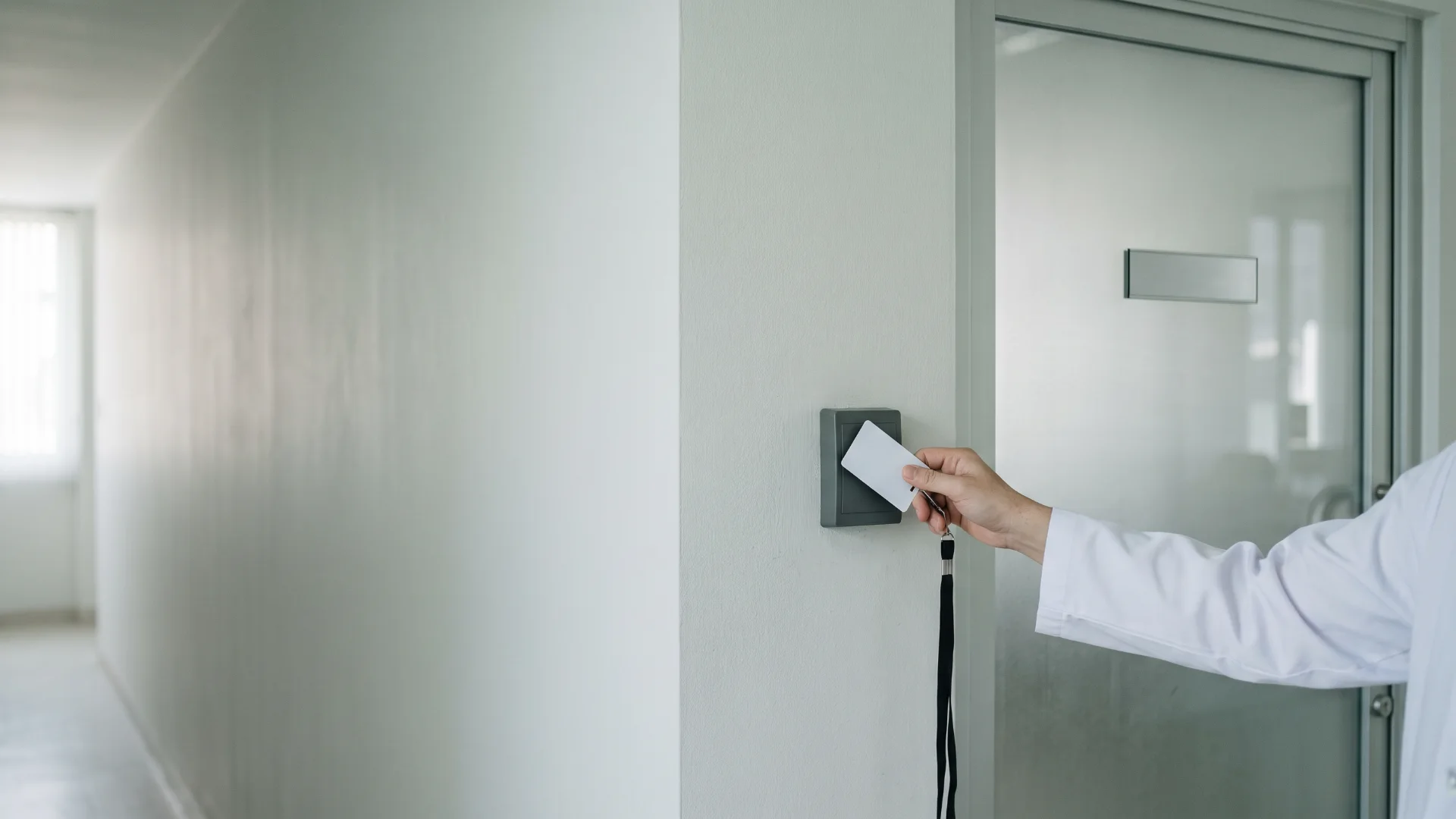
The clinic manages access carefully and reduces unnecessary exposure of patient information.
Individual accountsAccess by job responsibility.
01Multi-factor sign-inWhere supported; appropriate encryption.
02Access and change logsWho looked, who changed.
03Backup and recoveryRetention and deletion rules.
04Supplier and staff departureAccess controls; procedures when people leave.
05Incident escalationA defined path when something goes wrong.
06Patient privacy informationSeparate communication and marketing preferences.
07Hosting and transfers assessedHealth-data requirements reviewed before selection.
08 Analytics kept apart
Website analytics never touch patient records or signed-in pages.
0907 · TRUST · ONE SYSTEM, NOT ELEVENSection 26 · Connected system design
An established healthcare platform as the clinical foundation, custom development where configuration cannot reach, and integrations so data is entered once.
The team reduces repeated data entry and works from consistent information.
Website01Patient app02Booking system03Clinical records04WhatsApp reception05Professional email06Laboratory workflow07Stock management08Billing and payments09Packages and subscriptions10Reporting11 Custom work on top
Only where a proven platform cannot be configured to fit.
12 07 · TRUST · PEOPLE FIRST
Section 27 · Training and ongoing support
Practical support for a team with limited technical experience: training per role, short videos, simple guides, launch assistance and a support channel that answers.
Reception, doctors and nurses, management: each learns only their screens.
For the day someone new starts.
We are present when each phase goes live.
One channel, response targets, routine system checks.
Updates, automation monitoring, refresher training, periodic improvement reviews.
The clinic retains ownership of its domain, social accounts, patient data and business accounts, with documented access arrangements.
 PART EIGHT · THE PLAN
SECTION 08
08Six phases with acceptance checks, three clear cost categories, and the next step: a discovery workshop at the clinic.
08 · PLAN · PROPOSED DELIVERY PHASESSection 28 · Proposed delivery phases
Branding and the website come first, so the clinic is visibly new while the systems behind it are built. Each phase ends with acceptance checks.
08 · PLAN · THREE COST CATEGORIESSection 29 · Commercial structure
Final pricing follows discovery and confirmation of modules, users, content volume and integration complexity.
08 · PLAN · OVERALL VALUESection 30 · Overall value to Leema Clinic
Four people, four different mornings.
Discover the clinic, read about services in their language, book, show a code on arrival, see approved documents, manage payments.
One inbox, one diary, a day list that updates itself, nothing overlooked.
The history in one place, templates that protect, results that never sit unread.
A dashboard, a weekly note, and decisions instead of data entry.
NEXT STEP · DISCOVERY WORKSHOPWhere we go from here
A discovery workshop with reception, a doctor and management: we confirm services, staff, volumes, laboratory and payment needs, and come back with a priced, phased plan.
Section 5 · Social media setup and management
An active, professional presence that educates.
Accounts the clinic owns, branded profiles, and a monthly calendar of educational content reviewed by a clinician before it goes out.
The clinic maintains an active, professional presence that supports patient education and enquiries.
Created or claimed, with ownership documented.
01Short videos; faces patients will recognise.
02Skin health, treatment explanations, common questions.
03Arabic and English captions where appropriate.
04Monitored and routed to reception.
05What worked, monthly.
06